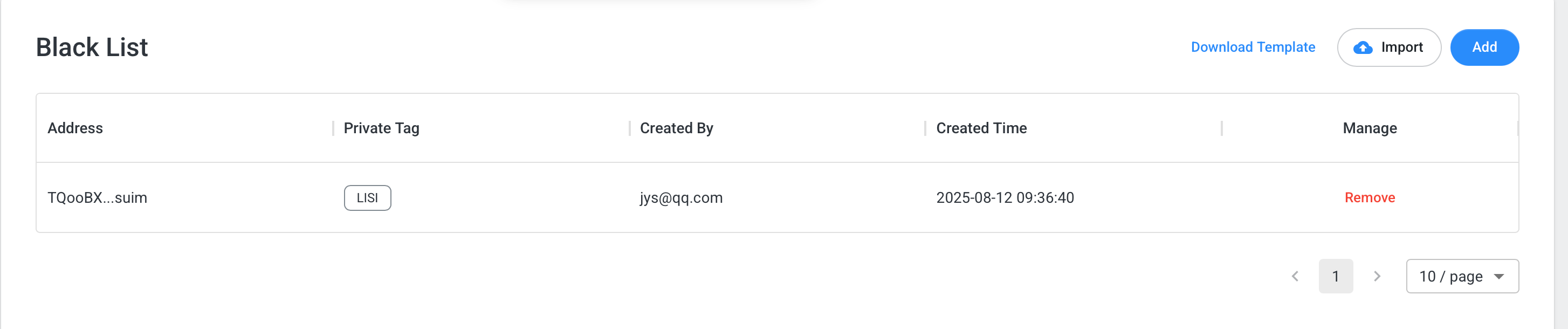
Blacklist Address Management
User-defined “blacklist” addresses. Adding Methods:- Add individually via the panel
- Import using a template
- On the address details page, select “Blacklist” under the “List” option
- Mark addresses as blacklisted
- In strategies, blacklisted addresses can be configured under unified rules. By default, blacklisted addresses are assigned a risk score of 100 in strategies.
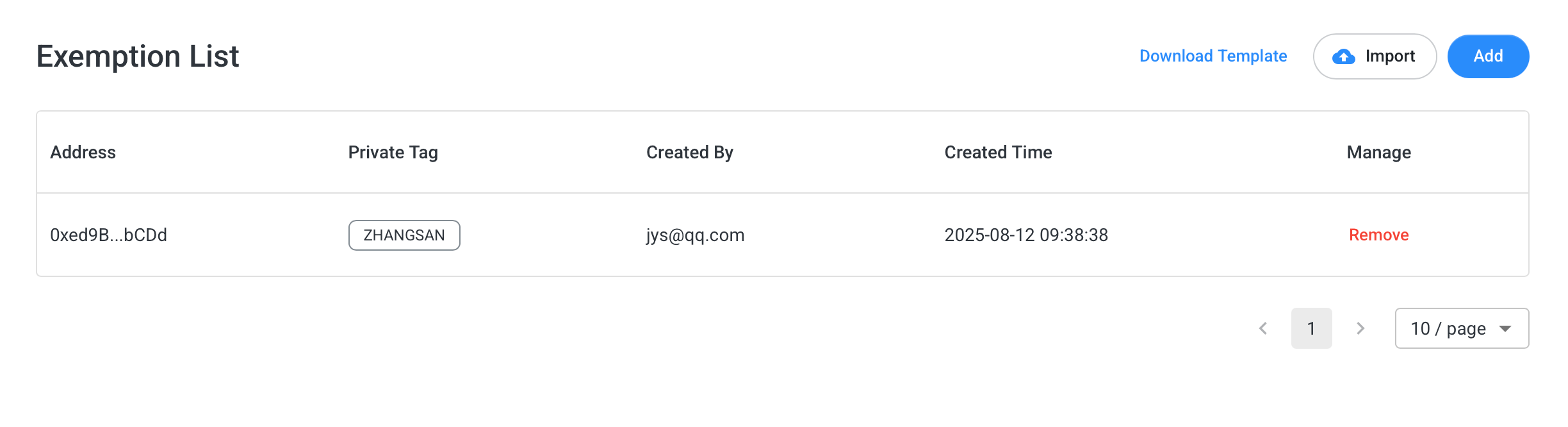
Exemption Address Management
User-defined “whitelist” addresses. Adding Methods:- Add individually via the panel
- Import using a template
- On the address details page, select “Whitelist” under the “List” option
- Mark addresses as whitelisted
- In strategies, whitelisted addresses can be configured under unified rules. By default, whitelisted addresses are assigned a risk score of 0 in strategies.